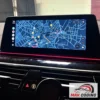
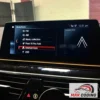
BMW NBTevo Android Auto Activation | iDrive 6
Price range: £99.00 through £170.00
- Android Auto software installation for compatible BMW NBTevo iDrive 5/6
- No aftermarket MMI box or replacement screen
- Use supported Android apps on your original BMW display
- VIN and software compatibility check required
- Professional installation by MAK Coding
Description
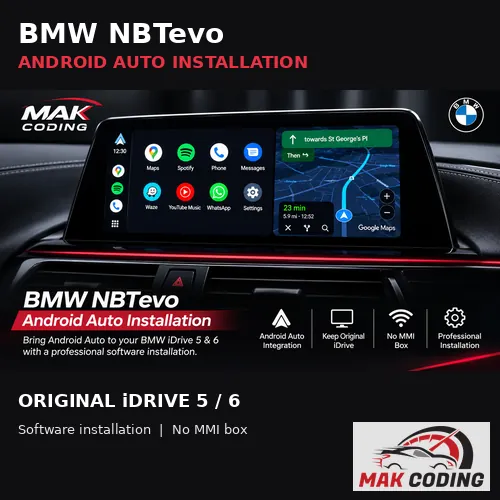
BMW NBTevo Android Auto Installation | iDrive 5 & 6
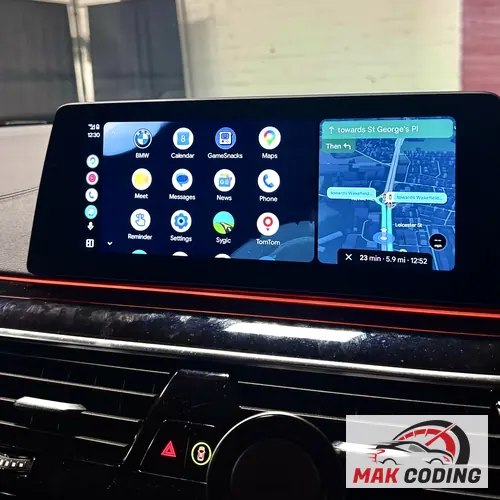
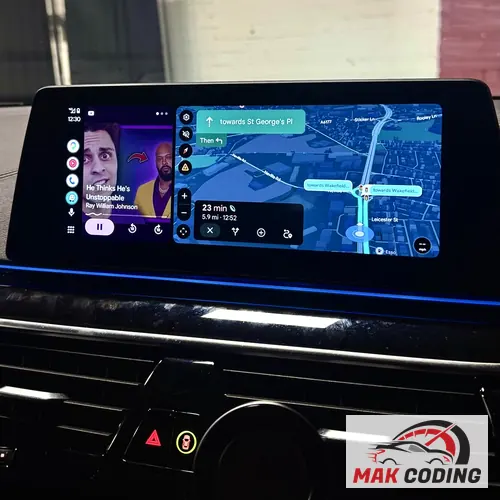
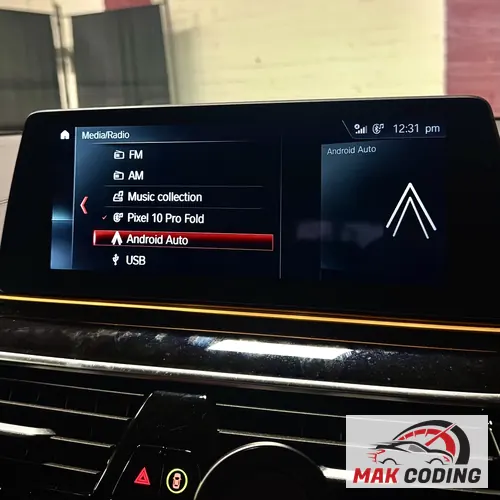
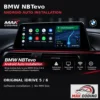
Upgrade your compatible BMW NBTevo system with Android Auto. Enjoy supported Android apps on your original BMW display without installing an aftermarket MMI box.
MAK Coding offers professional installation of the Android Auto software developed by Spooky. As part of our service, we handle setup, configuration and testing.
We only charge for our installation service, not the Android Auto software itself.
BMW NBTevo Android Auto for iDrive 5 and 6
BMW NBTevo systems originally offered Apple CarPlay but lacked Android Auto support. However, Spooky’s software makes Android Auto possible on compatible head units.
With our installation service, you can use supported Android apps through your original BMW screen. As a result, you avoid the cost and extra wiring of an aftermarket MMI box.
Furthermore, you retain your existing BMW menus and supported iDrive controls. The solution works with eligible factory hardware rather than a replacement screen.
Before ordering, we check your software version and hardware. This helps us confirm the correct setup for your vehicle.
Check Your BMW CompatibilitySend us your VIN and a photo of your iDrive software version. We’ll check your requirements before you order.
Important Requirements Before Ordering
Your BMW needs suitable software and hardware for this Android Auto installation. Therefore, please check the following requirements before purchasing.
1. Recommended NBTevo_Y SoftwareFor the best compatibility, we recommend updating your head unit to NBTevo_Y, where supported.
Older versions may also work. However, some firmware releases can have limitations. We will check your version before confirming installation.
If your BMW needs an update, MAK Coding can arrange a suitable firmware upgrade for an additional charge.
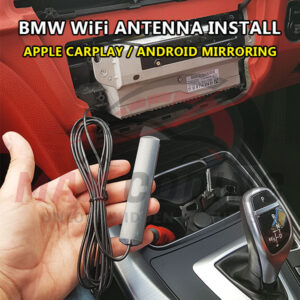
2. Wi-Fi Antenna Required
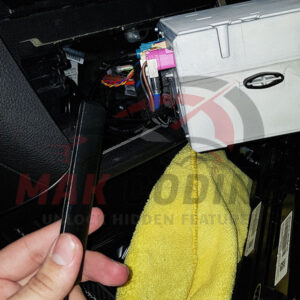
In addition, your BMW must have a suitable Wi-Fi antenna for the supported wireless connection.
Don’t have one installed? We can supply and fit a compatible antenna for an additional charge.
3. Apple CarPlay Activation Required
Apple CarPlay must already be active on your NBTevo system for this Android Auto installation method.
If your vehicle doesn’t have CarPlay, we can activate it separately at an additional cost.
Please note: Firmware updates, Wi-Fi antenna installation and CarPlay activation are not included in the standard Android Auto installation price unless agreed beforehand.
Android Auto Features
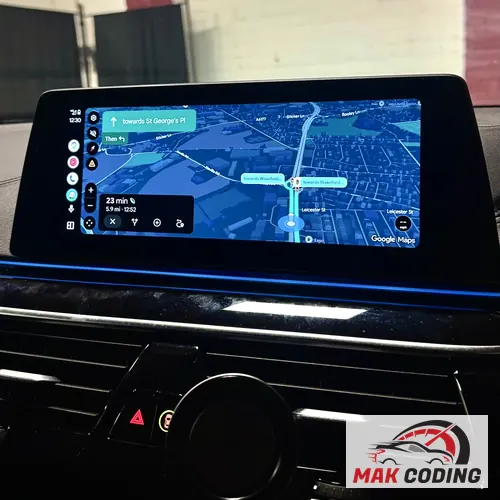
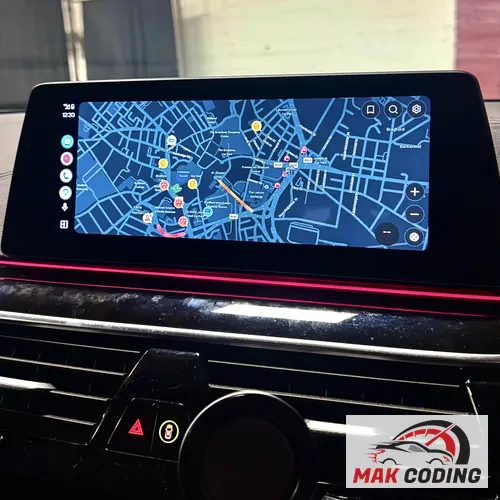
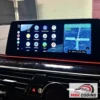
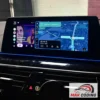
Once installed, Android Auto gives you access to supported Android phone apps through your BMW display.
For example, you may be able to use the following features:
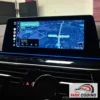
- Google Maps: Navigation and live traffic.
- Waze: Routes and traffic alerts.
- Spotify: Music and playlists.
- Phone Calls: Compatible calling functions.
- Messages: Supported messaging apps.
- Voice Assistant: Compatible voice commands.
- iDrive Controls: Supported original BMW controls.
However, available features depend on your phone, firmware and vehicle setup. Therefore, we will explain any known limitations before installation.
BMW NBTevo Compatibility
Our Android Auto installation supports selected BMW vehicles with NBTevo iDrive 5 or iDrive 6.
Your BMW must have:
- Compatible NBTevo head unit
- iDrive 5 or iDrive 6
- Suitable firmware, ideally NBTevo_Y
- Working Wi-Fi antenna
- Active Apple CarPlay
- Compatible Android smartphone
Other BMW Systems
This installation does not support CIC, original NBT, EntryNav or MGU head units. Instead, these systems require different solutions.
Compatible NBTevo systems appear in selected BMW 1 Series, 2 Series, 3 Series, 4 Series, 5 Series and other models.
Nevertheless, the model and year alone cannot confirm compatibility. Therefore, we recommend a VIN and software check first.
What Does Our Installation Fee Cover?
MAK Coding charges for the work involved in installing Android Auto, not for the software itself.
First, we check your vehicle’s hardware and software. Next, our technician prepares the installation and configures the supported features.
Our service includes:
- Vehicle and head-unit compatibility checks
- Installation preparation
- Android Auto software installation
- Software configuration
- Connection testing
- Customer guidance after installation
Additionally, we can arrange firmware updates, Wi-Fi antenna fitting and CarPlay activation where required. These services may cost extra.
Credit to Spooky: Original Android Auto Developer
Full credit goes to Spooky for developing the original BMW NBTevo Android Auto software.
Thanks to this project, owners of compatible BMW vehicles can add Android Auto without replacing their factory infotainment system.
MAK Coding does not claim ownership of the software. Instead, we provide an independent installation and setup service.
Importantly, our customers pay for our technical work, installation time and support. We do not sell the underlying Android Auto software.
We appreciate Spooky’s contribution to the BMW coding community.
How to Book Android Auto Installation
Our booking process is straightforward. Follow these steps to get started.
- Send your VIN: Contact us with your vehicle details and current software version.
- Check compatibility: We review the firmware, antenna and CarPlay requirements.
- Confirm extra work: If needed, we explain any additional costs before booking.
- Book your appointment: Purchase the installation service and choose an available appointment.
- Install Android Auto: Our technician completes the software setup.
- Test the system: Finally, we check the connection and explain the available features.
Before your appointment, we will also confirm the installation method and any equipment you need.
Android Auto Compatibility FAQs
Who created the Android Auto software?
Spooky developed the original BMW NBTevo Android Auto software. MAK Coding provides an independent installation service and gives full credit to the developer.
Are you selling the Android Auto software?
No. Our charge covers professional installation, setup and testing. The underlying Android Auto software is not part of the sale.
Do I need NBTevo_Y firmware?
We recommend NBTevo_Y where supported. However, other firmware versions may also work. After checking your version, we will advise whether an update is necessary.
Does my BMW need a Wi-Fi antenna?
Yes. The supported wireless connection requires a suitable Wi-Fi antenna. If your car doesn’t have one, we can arrange installation for an additional charge.
Do I need Apple CarPlay activated?
Yes. This installation method requires active Apple CarPlay. If necessary, MAK Coding can provide CarPlay activation at an additional cost.
Installation and Booking FAQs
Will I need an aftermarket MMI box?
No. This software installation uses your compatible original BMW NBTevo head unit. Therefore, no separate MMI box is needed.
Will my original BMW menus still work?
The installation aims to retain your original BMW menus and supported controls. However, available functions depend on your head unit and firmware.
Can you update my NBTevo firmware?
Yes. We can advise on suitable software updates. After checking your vehicle, we will confirm the available options and additional costs.
Can I book installation for another date?
Yes. Once we confirm compatibility, you can place your order and arrange an available appointment.
Ready to Add Android Auto to Your BMW?Contact MAK Coding today to check your NBTevo compatibility and arrange professional Android Auto installation.
We’ll also advise whether you need a firmware update, Wi-Fi antenna or Apple CarPlay activation.
MAK Coding | BMW NBTevo Android Auto Installation | iDrive 5/6 Software Services | Bradford, UK.
Developer credit: Android Auto software developed by Spooky. MAK Coding provides an independent installation service and does not claim ownership of the original software.
Additional information
| Activation | Android Auto, Android Auto + iDrive Update, Android Auto + iDrive Update + Carplay, Android Auto + iDrive Update + Carplay + WiFi Antenna |
|---|
Related products
-
- 28% OFF
- BMW Carplay, BMW Services, On Sale, All Products, BMW, Carplay
BMW NBTevo WiFi Antenna Supply + Fit Service in Bradford – Carplay / Android Mirroring
- Original price was: £40.00.£29.00Current price is: £29.00.
- Add to basket
-
- 41% OFF
- On Sale, USB Coding, All Products, BMW
Android Screen Mirroring & Video In Motion – BMW USB Coding
- Original price was: £85.00.£50.00Current price is: £50.00.
- Add to basket
-
- 43% OFF
- On Sale, USB Coding, All Products, BMW
M-Performance Start-Up Animation – BMW USB Coding
- Original price was: £35.00.£20.00Current price is: £20.00.
- Select options